B2B email deliverability: SPF, DKIM, DMARC and warm-up made simple
"Email does not work anymore" often hides a simpler problem: your messages never arrive. SPF, DKIM, DMARC, warm-up and a dedicated domain, here is what to set up before sending anything.
"Email does not work anymore." It is the sentence you hear most often when prospecting comes up.
In a good share of cases, email is not dead. The messages simply never arrive. An open rate that collapses is not a subject line problem, it is a deliverability problem, and no amount of rewriting will fix it.
The good news is that the topic is technical but finite. There is a limited number of things to set up, they are done once, and they cost nothing.
Context: the rules have tightened
Two waves changed the conditions.
In February 2024, Google and Yahoo required bulk senders, meaning above 5,000 messages a day to their mailboxes, to authenticate their domain with SPF, DKIM and DMARC, offer one click unsubscribe, and stay below a 0.3% complaint rate (Google's sender guidelines, Yahoo's best practices).
Microsoft followed on 5 May 2025 for outlook.com, hotmail.com and live.com addresses, with the same 5,000 message daily threshold. The penalty is blunt: non compliant messages are rejected with an explicit error code, not merely filed as junk.
You may be thinking you are nowhere near 5,000 emails a day. True, and this is where the most common misreading happens.
Those thresholds define what is required of large senders. They do not describe what is assessed for everyone else. Filters look at authentication for every sender, all the time. A domain without DKIM sending thirty emails a day is not automatically rejected, but it starts every message with a handicap. At your scale, authentication is not a regulatory obligation, it is a free advantage you are declining.
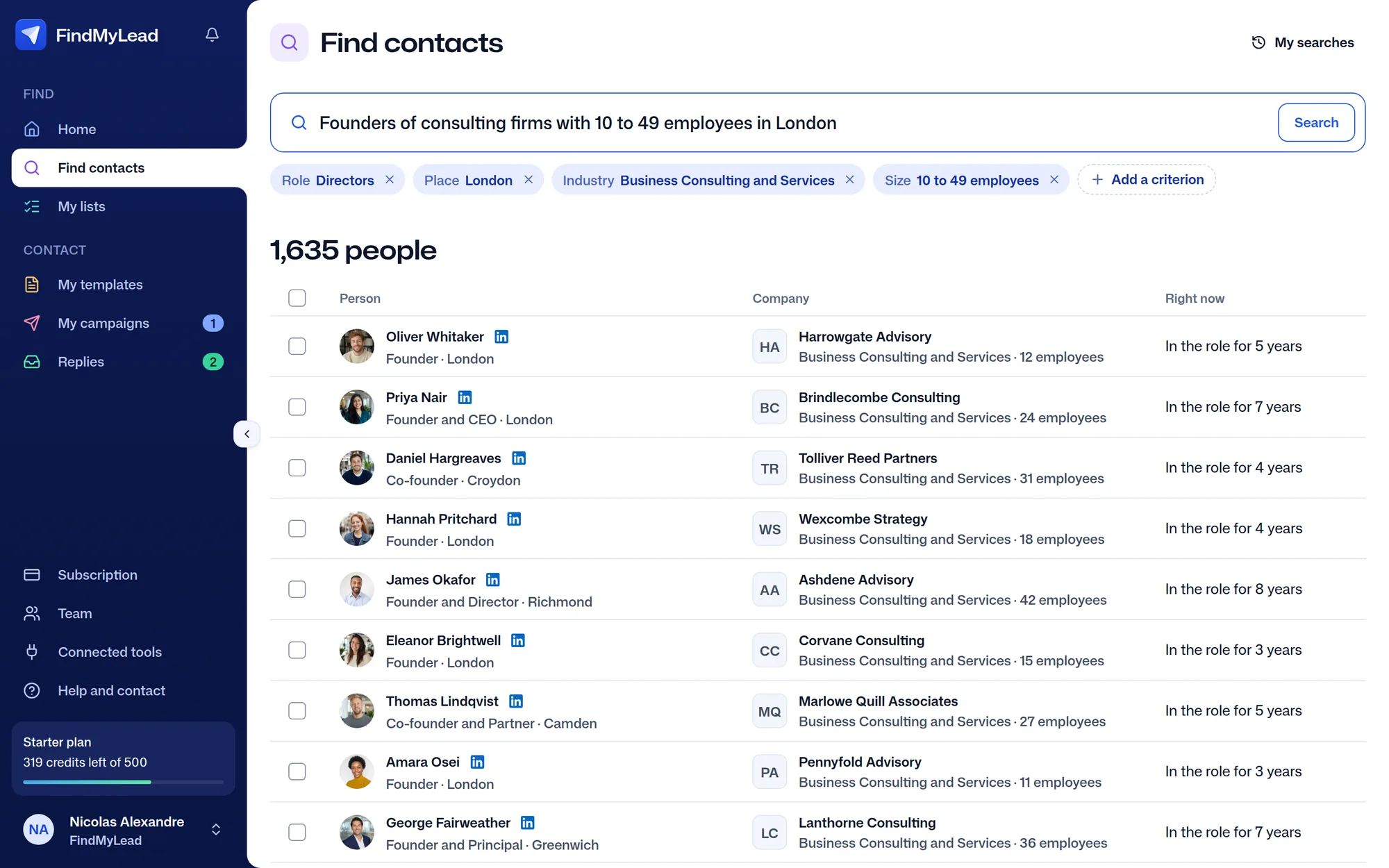
Their LinkedIn and their email, in one sentence.
Directors of consulting and services firms in Lyon, 10 to 49 employees
Free
The three records, in plain terms
These are three lines to add in your domain's DNS zone, at your registrar or host.
SPF declares which servers are allowed to send mail on your behalf. Without it, anyone can write pretending to be your domain. A classic trap: SPF allows only ten DNS lookups. Stack up tools, each with its own include, and you exceed the limit and the record fails silently. Nobody warns you, your emails simply perform worse.
DKIM signs each message with a cryptographic key. The receiving server verifies that the content was not altered in transit and that the sender genuinely holds the domain's private key. It is the most important of the three for your reputation.
DMARC tells receiving servers what to do when SPF or DKIM fail, and sends you reports on what is being sent in your name. Always start in monitoring mode, p=none, with a reporting address you actually read. Tighten later, once you know who sends mail from your domain.
A word on alignment, because it is the most common mistake once the three lines are in place: SPF and DKIM passing is not enough. The domain they validate must match the one displayed in the "From" field. A setup where everything is green but misaligned still fails the DMARC check.
Always verify the result rather than the configuration. Send yourself a message to a Gmail and an Outlook mailbox you control, open the source, and read the authentication header. All three must show pass.
A dedicated domain, the highest return decision
If you take one thing from this article, take this one.
Never send cold outreach from the domain you use for invoices, quotes and client conversations. Buy a separate domain, close to yours, and run your campaigns through it.
The reason is simple: sender reputation is built and destroyed at domain level. One badly targeted campaign that generates complaints can lastingly damage deliverability for everything sent from that domain, including emails to your existing clients. A domain name costs around ten euros a year. You will not find better insurance at that price.
Warm-up, or why not to send 500 emails on day one
A brand new domain has no reputation. To filters, it looks a lot like a domain created for spam, because that is exactly what spammers do: buy a domain and send at volume immediately.
Warm-up means gradually establishing credible activity before scaling volume. There is no official schedule, but the logic is widely agreed.
Allow three to four weeks before reaching cruising speed. Start very low, around ten messages a day, and increase gradually. Send first to mailboxes that will reply, because replies are the strongest positive signal you can produce. Avoid spikes: going from 30 to 300 messages overnight is suspicious in itself.
Configure SPF, DKIM and DMARC before starting the warm-up. Warming an unauthenticated domain means building reputation on foundations that will not hold.
What damages deliverability day to day
Invalid addresses. The number one factor by far. A high bounce rate tells filters you are sending to a list you have not verified, which is the signature of a purchased database. Verify before sending, every time.
Complaints. Google asks senders never to reach 0.3%, three complaints per thousand messages, and to stay below 0.1% (Google's sender guidelines). That is very little. The only real defence is targeting: people your message does not speak to press the spam button.
No unsubscribe option. A clear opt out, honoured immediately, reduces complaints. Many senders remove it thinking they will keep their contacts, and collect spam reports instead.
Heavy emails. Images, attachments, tracking on every link, elaborate HTML layouts. A plain text outreach message with one or two links performs better, and reads better on a phone.
Irregular volume. Three hundred sends on Monday then nothing for two weeks is an abnormal profile. Consistency beats intensity here as everywhere else.
The checklist before your first campaign
Buy a dedicated sending domain. Configure SPF, DKIM and DMARC at p=none. Send yourself a test to Gmail and Outlook, and check the three pass results in the header. Warm up over three to four weeks, increasing gradually. Verify your list before every send. Include a visible unsubscribe link. Stay in plain text.
Once all of that is in place, if your results are still weak, then and only then is the problem your message or your targeting. And that is good news, because those are two things you can fix in an afternoon.
With FindMyLead, you have none of this to do: your team's sending domains are bought and set up for you (SPF, DKIM and DMARC included), their volume ramps from 10 to 50 emails a day over four weeks, and their bounces are watched. What each plan includes is on the FindMyLead pricing page.